SparkGPU Dashboard User Guide
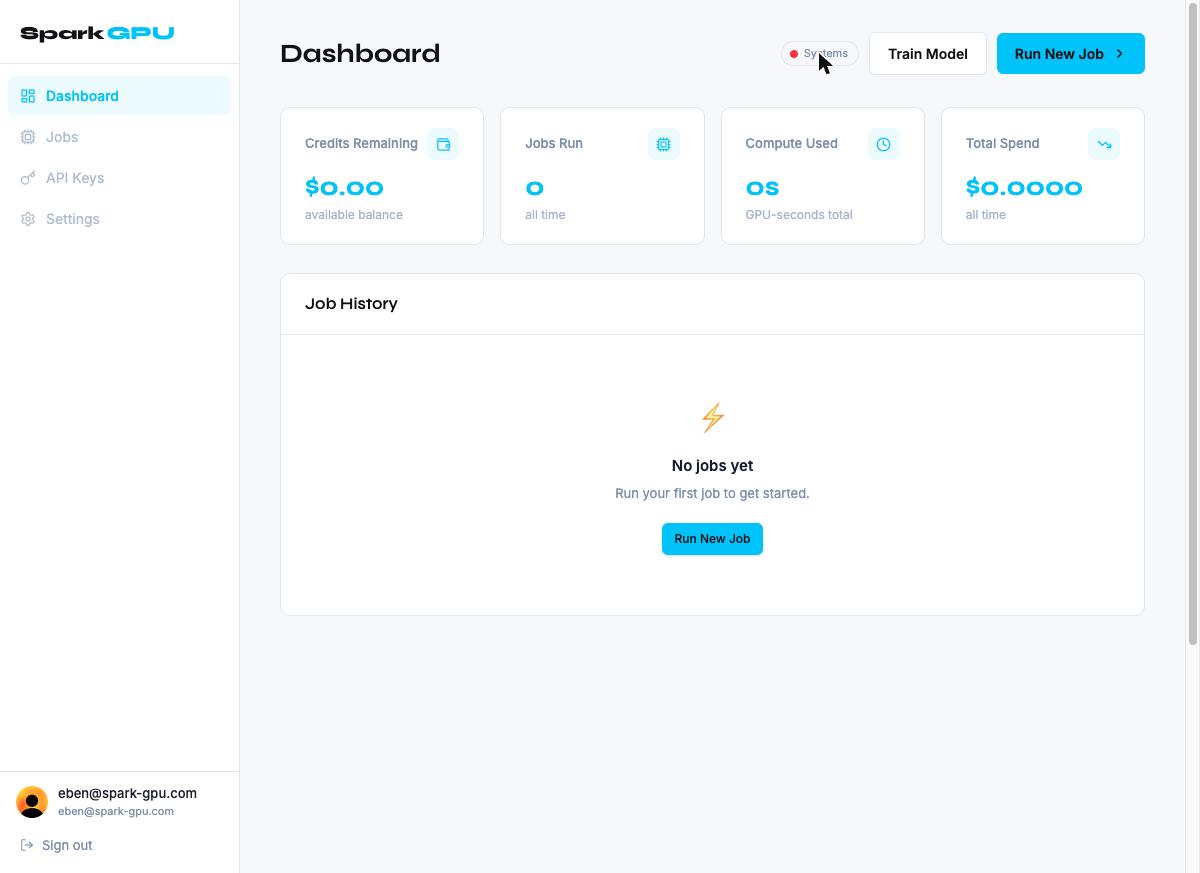
The SparkGPU dashboard can run inference jobs, fine-tune models, monitor spend, and manage API credentials, all without touching cloud infrastructure directly. The dashboard is accessible at spark-gpu.com/projects after signing in.
Job History
The Job History table occupies the main body of the Dashboard. It lists every GPU job submitted as inference jobs or training jobs.
Job Information
Once jobs exist, the table displays the following columns: Job ID, Model / Base Model, GPU Type, Runtime, Cost, and Created at timestamp.
Run New Job
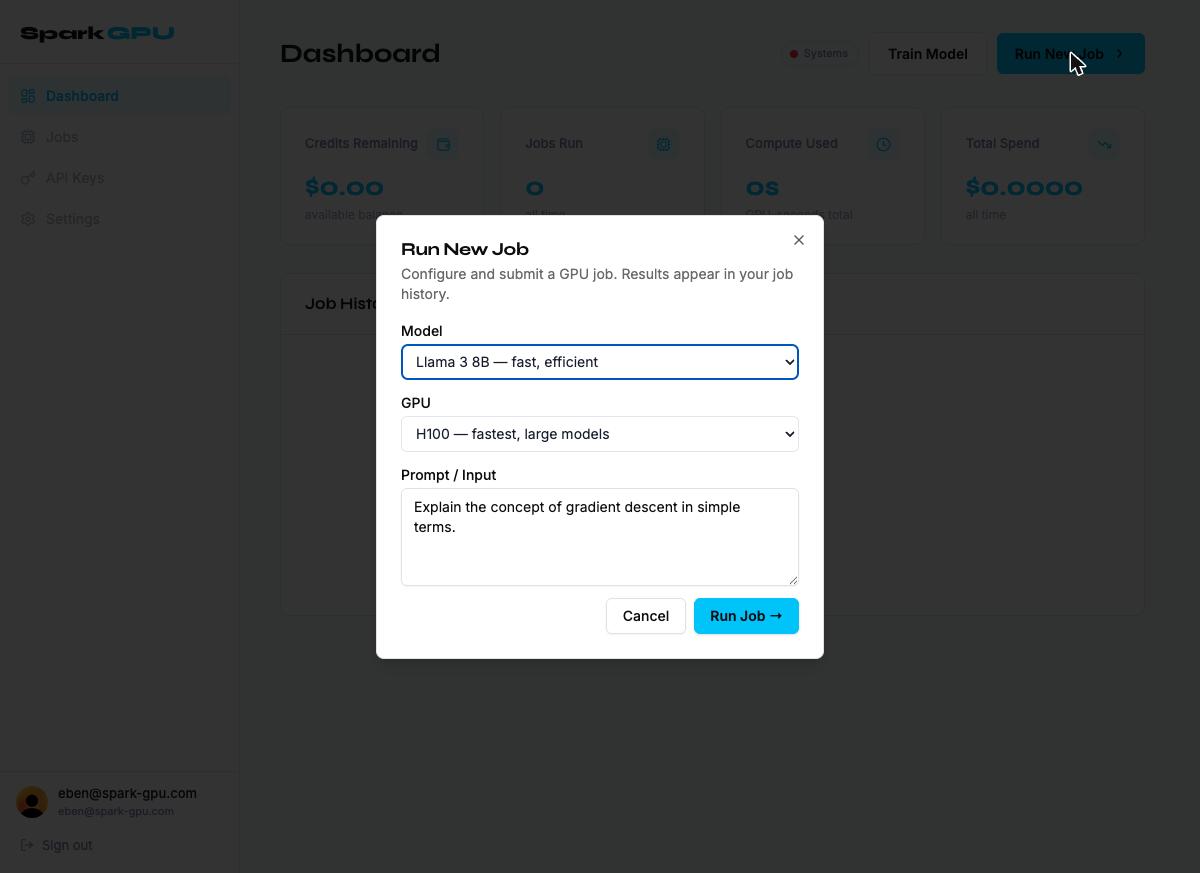
The Run New Job button opens a modal for submitting a GPU inference job. This is for running a prompt through an existing model and is not for training. Results appear in Job History once the job completes.
Submitting a Job
Submitting a Job
- Select a Model from the dropdown.
- Select a GPU tier — higher tiers are faster but cost more per second.
- Enter your Prompt / Input in the text area.
- Click Run Job →. The button disables while the request is in flight.
- On success, the modal closes and the new job appears in Job History.
Train Model
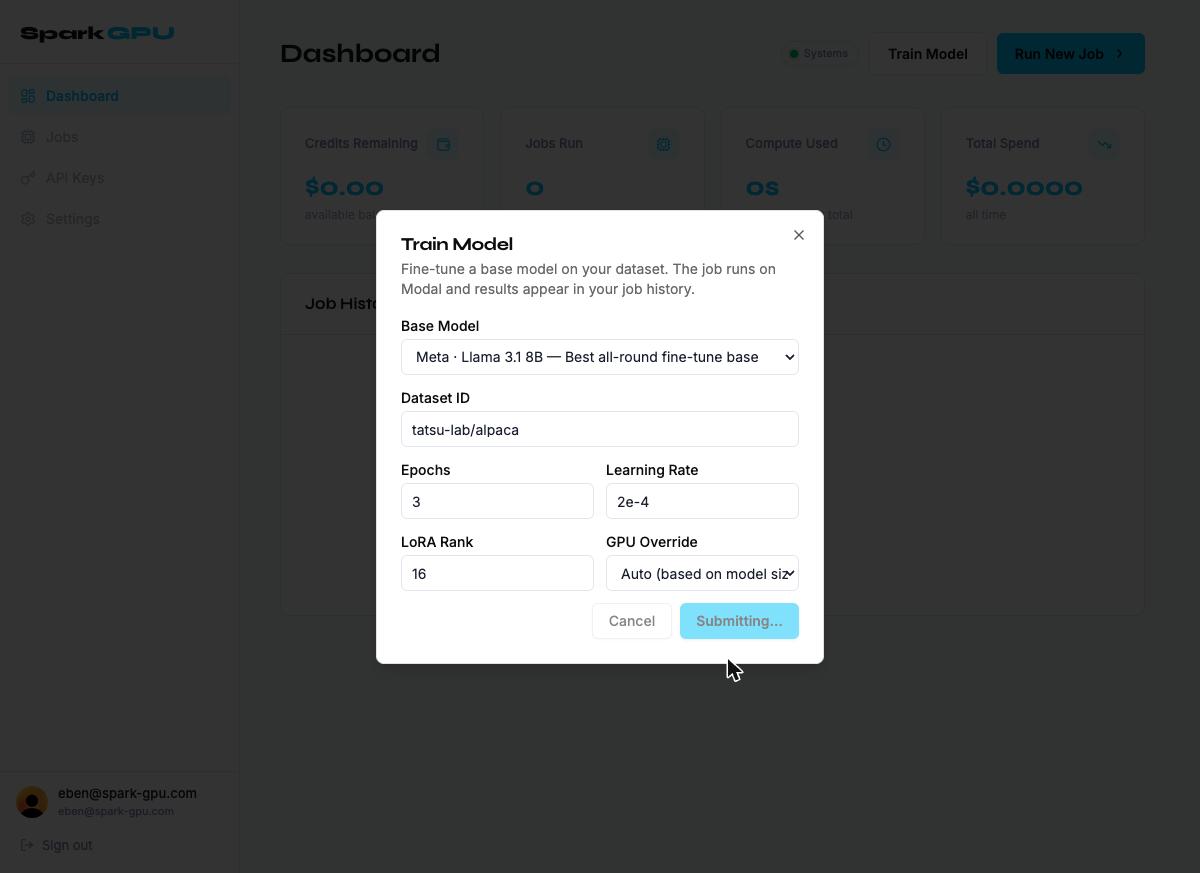
The Train Model button opens a modal for submitting a fine-tuning job. This runs a LoRA fine-tune of a base model on a specified dataset using Modal GPU infrastructure. The trained checkpoint is returned as a signed download URL once the job completes.
Workflow
Workflow
- Open the Train Model modal.
- Select a Base Model, or choose "Custom HuggingFace model ID" and enter a model slug.
- Enter your Dataset ID — a HuggingFace dataset slug (e.g. tatsu-lab/alpaca) or an R2 object key for a private dataset.
- Set Epochs, Learning Rate, and LoRA Rank, or leave defaults.
- Optionally override the GPU tier. Auto is recommended unless you have a specific reason.
- Click Start Training →. The job is queued asynchronously and a job ID is returned immediately.
- Monitor status in Job History: queued → running → completed | failed.
- On completion, a signed checkpoint download URL (.safetensors or GGUF) appears in the job detail.
Note: Training jobs are billed by GPU-second. A cost estimate will be shown before the job starts (coming in a future release).